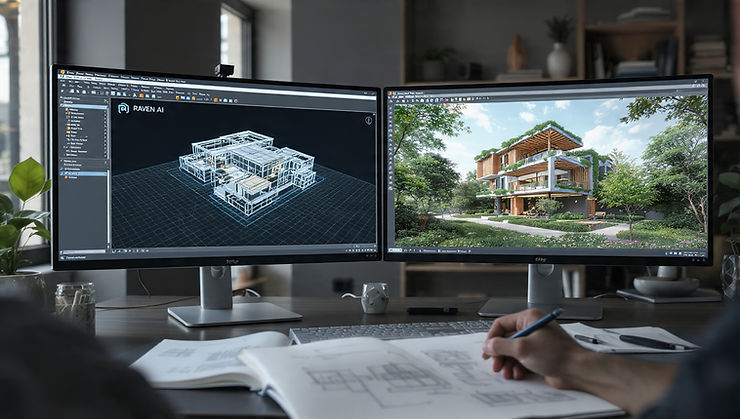



Introduction:
AI Is Not Replacing Architects—It Is Rewiring the Process
The real shift in 2026 is not automation—it is augmentation.
AI is changing:
- How concepts are generated
- How quickly iterations happen
- How decisions are validated
Architects who use AI strategically are not just faster—they are fundamentally more competitive.
Where AI Fits in the Architectural Workflow

AI is not a single tool. It integrates across stages:
- Concept generation
- Space planning
- Visualization
- Performance analysis
- Documentation assistance
Insight:
Firms that integrate AI across multiple stages gain exponential efficiency—not incremental.
AI in Concept Design: From Blank Page to Iterations in Minutes


What Changed:
Previously, concept design depended heavily on manual sketching and time.
Now:
- AI generates multiple design options instantly
- Architects curate instead of starting from zero
Tools:
- Midjourney / DALL·E for conceptual ideation
- Stable Diffusion-based tools for rapid exploration
Strategic Advantage:
Speed of iteration leads to better design outcomes.
AI in Space Planning and Generative Design
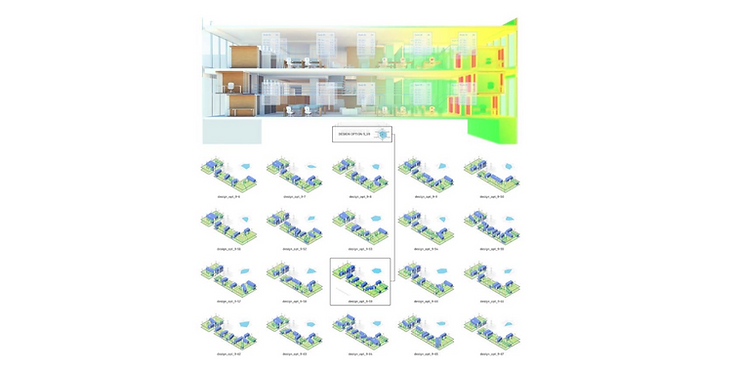
What AI Does:
- Generates optimized layouts based on constraints
- Improves space efficiency
- Tests multiple configurations instantly
Real Impact:
- Reduced design time
- Improved functional planning
- Data-driven decision making
Tools:
- Autodesk Generative Design
- Spacemaker AI (now integrated into Autodesk Forma)
AI in Visualization and Rendering
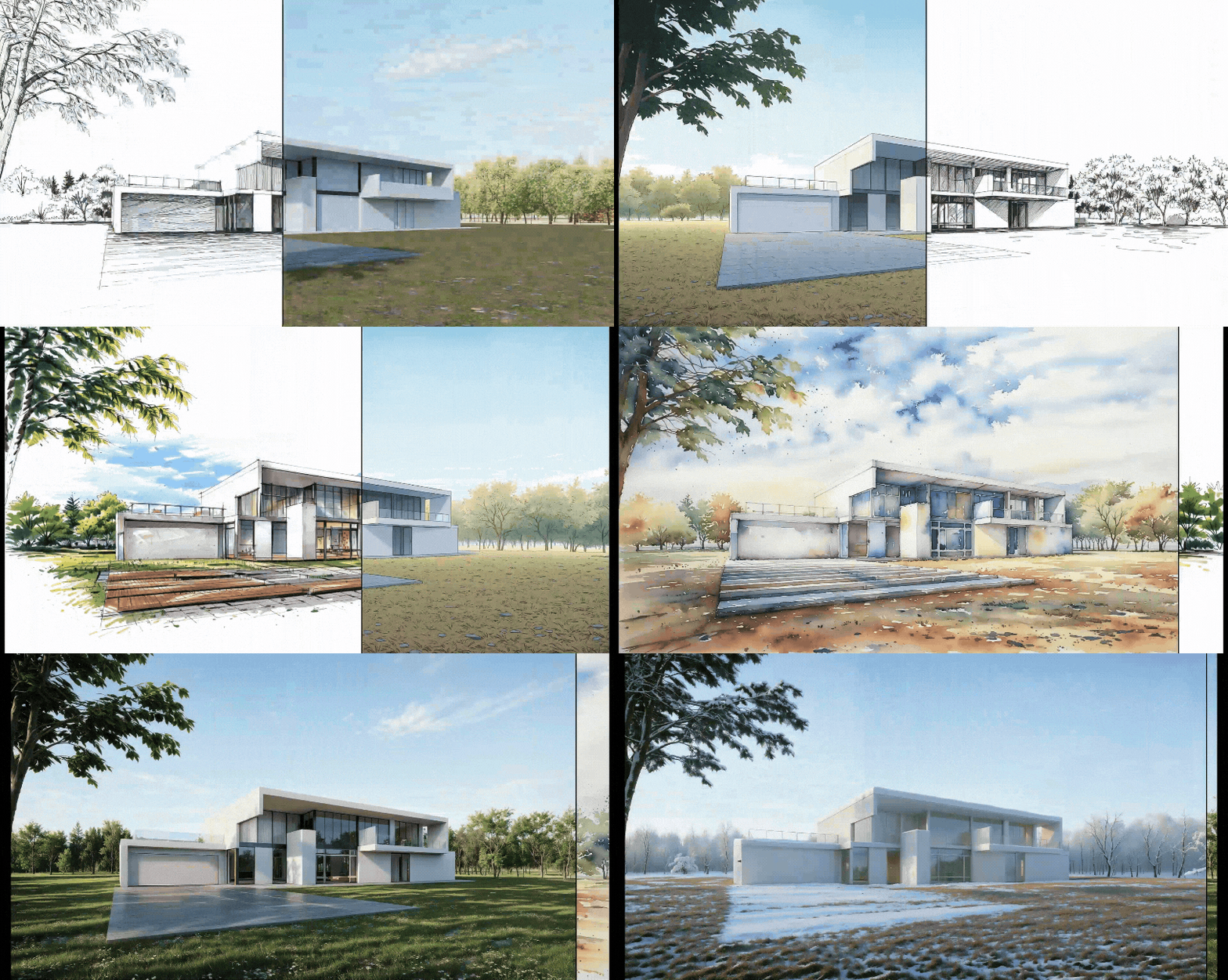
What Changed:
Rendering used to take hours or days.
Now:
- AI converts sketches or models into realistic renders instantly
- Enhances lighting, materials, and context automatically
Tools:
- D5 Render (AI enhancements)
- Lumion AI features
- Enscape with AI plugins
Outcome:
Visualization is no longer a bottleneck.
AI in Performance Analysis and Sustainability
What AI Enables:
- Real-time daylight analysis
- Energy performance predictions
- Climate-responsive optimization
Impact:
Design decisions are validated early, not after construction.
Tools:
- Climate Studio
- Autodesk Forma
- Cove.tool
AI in Documentation and Automation


What Changed:
Documentation is repetitive and time-consuming.
Now:
- AI assists in drawing generation
- Automates repetitive detailing
- Reduces human error
Result:
Architects spend more time designing, less time drafting.
Real-World Applications of AI in Architecture
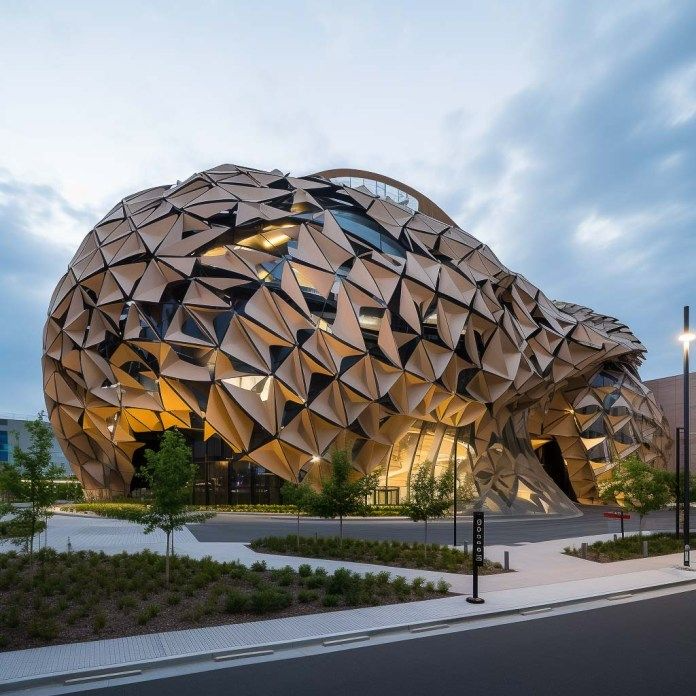


Example Applications:
- Urban planning optimization using AI
- Climate-responsive building forms
- Automated massing studies for developers
Key Insight:
AI is not experimental anymore—it is actively used in real projects.
Limitations of AI (What Most People Ignore)
- AI lacks contextual judgment
- It cannot replace site-specific decision making
- Over-reliance leads to generic designs
Strategic Position:
AI should be used as a co-pilot, not a decision-maker.

Future Outlook: What Changes Next
- Integration of AI with BIM will deepen
- Real-time design feedback will become standard
- Architects will shift from creators to curators and strategists
The profession is not shrinking—it is evolving.
Conclusion
AI in architecture is not about replacing creativity. It is about:
- Expanding design possibilities
- Accelerating workflows
- Improving decision accuracy
Architects who adopt AI strategically will lead the next generation of design practice.

Take the Next Step: Turn Strategy into Reality
Designing with AI is not about using tools randomly—it requires a structured approach aligned with your project goals, budget, and context. If you want to integrate these strategies into your own work, you can connect with Graphite for professional guidance.
Whether you are exploring AI-driven design workflows or optimizing a real project, Graphite can help you make smarter architectural decisions, improve efficiency, and elevate design outcomes from the start.